Translate YouTube Transcript

Translate YouTube transcript without leaving the watch page or pasting captions into another tab.

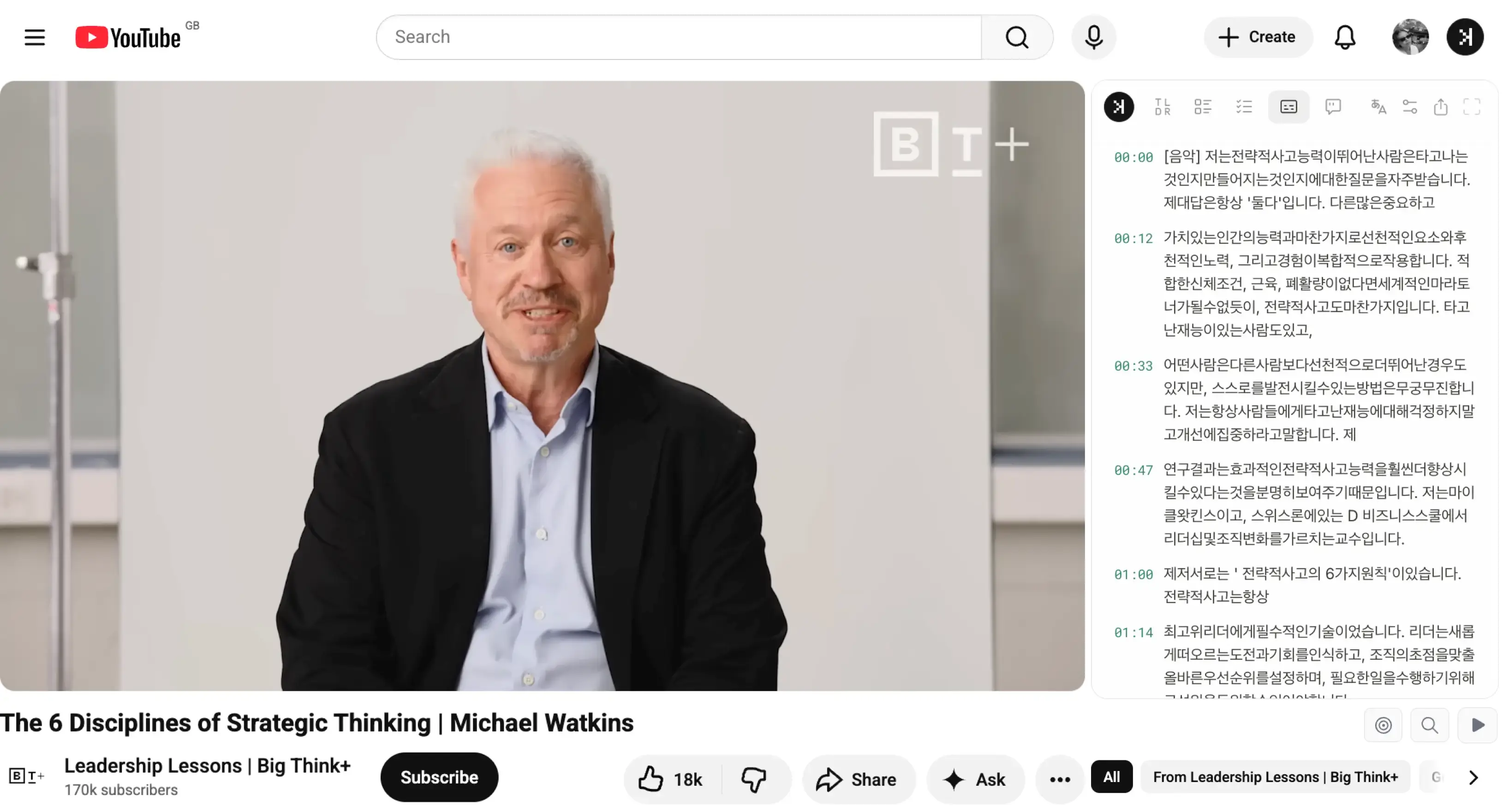
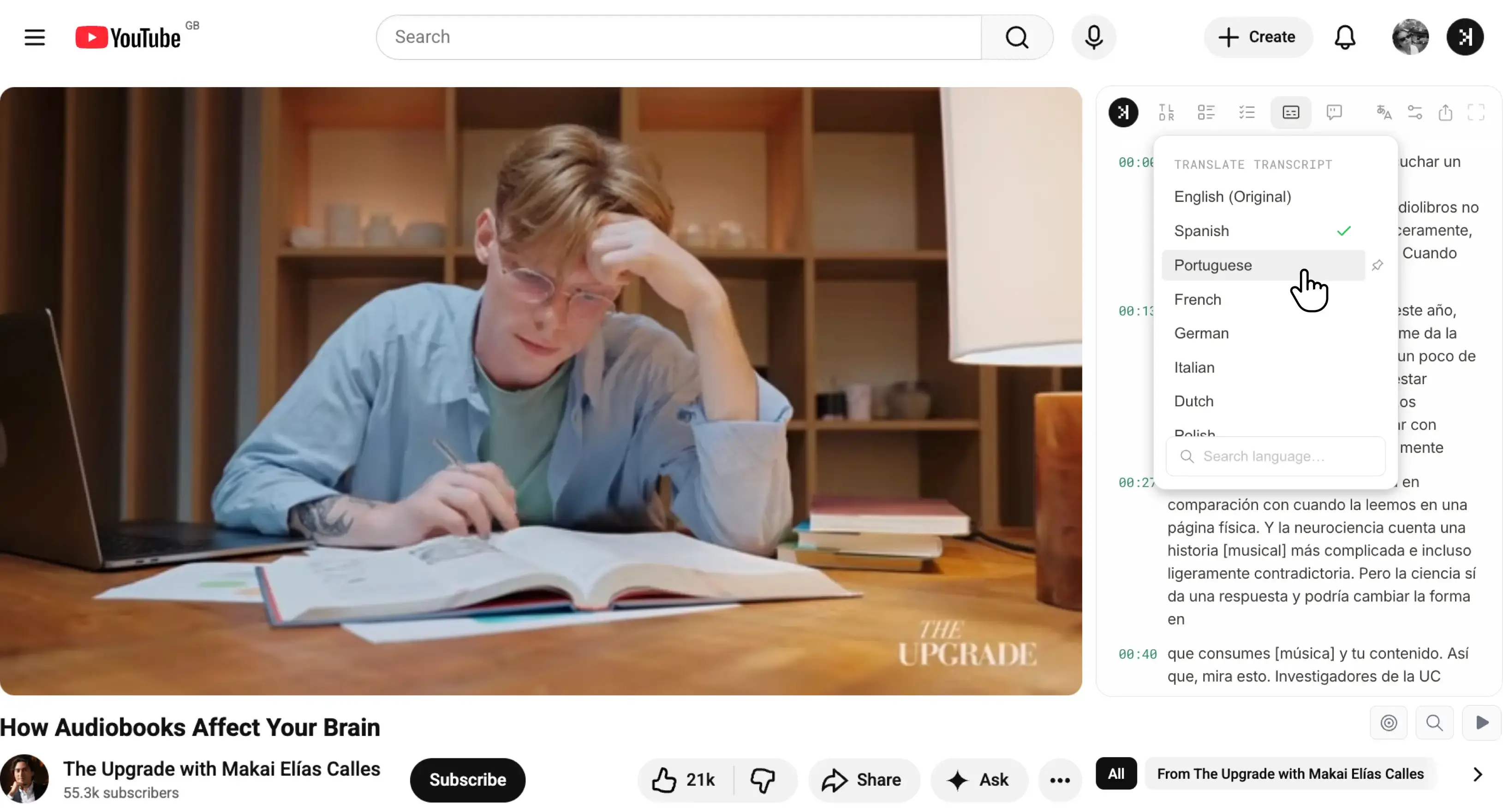
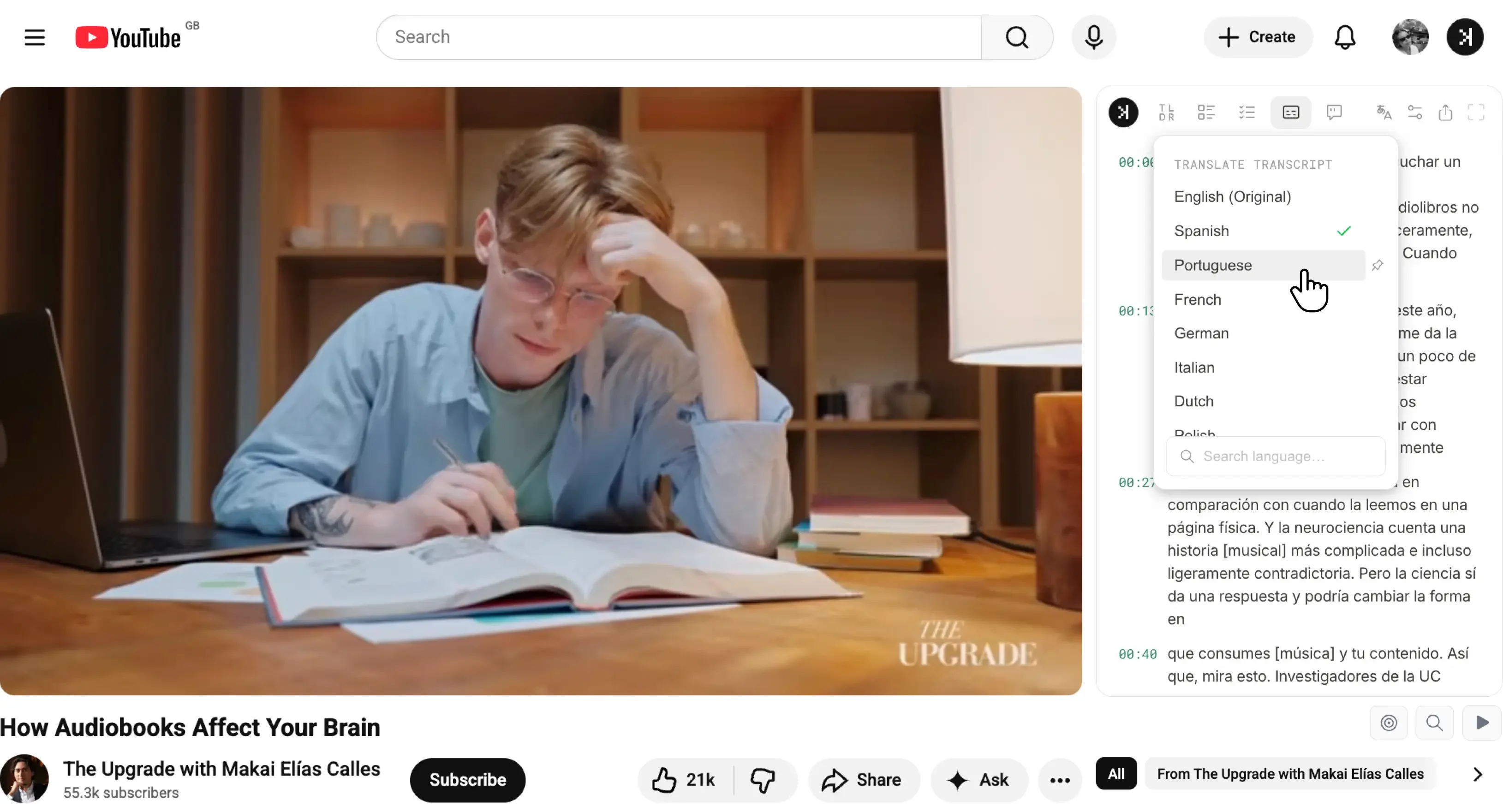
Simply visit the YouTube video and select a language from the side panel dropdown to translate YouTube transcript, then read along, search the lines, or switch to Chat to ask questions in the language you prefer.

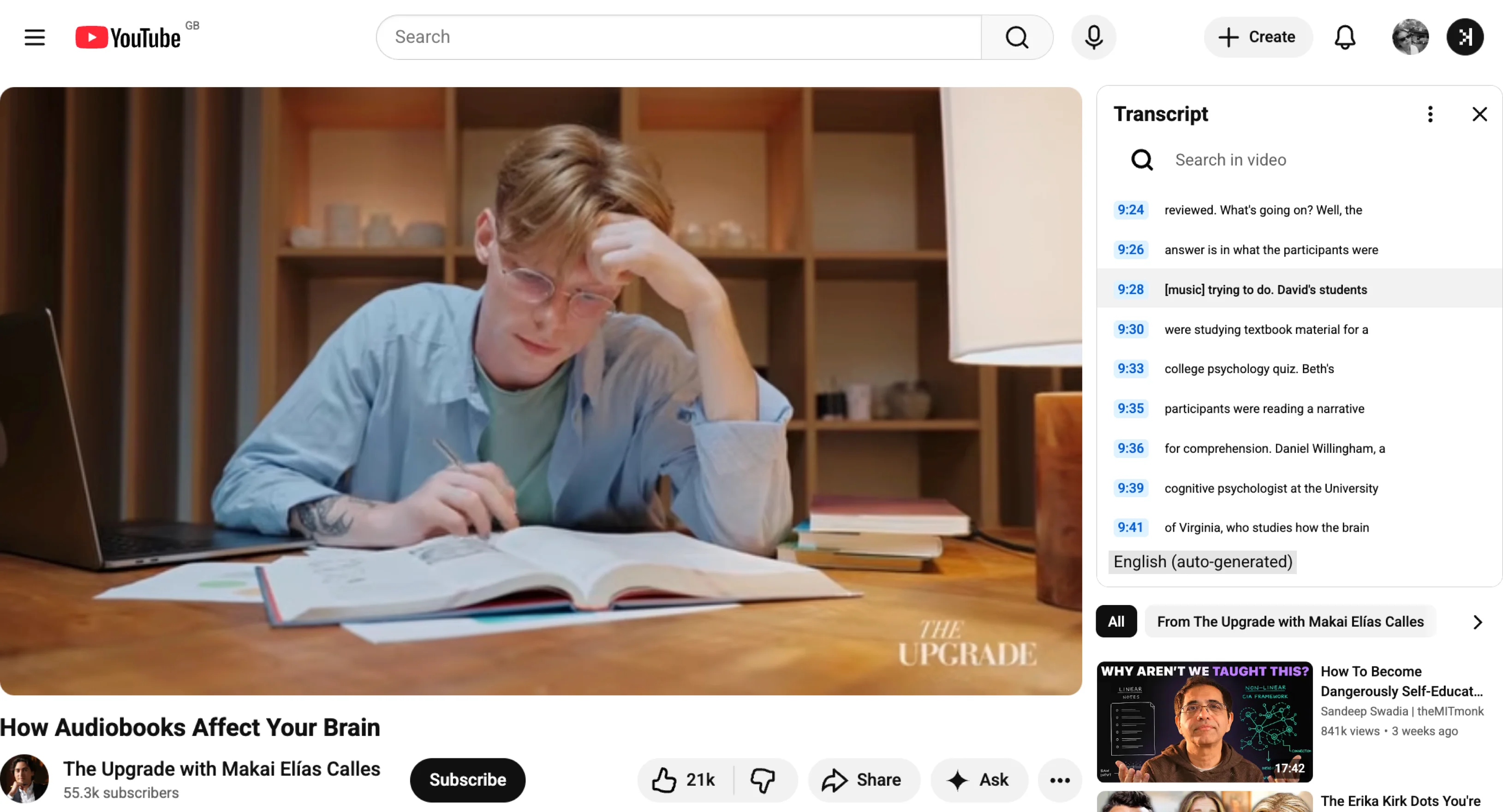
Translate YouTube transcript in SkipBait on the YouTube watch page
Install on Chrome

Translate YouTube transcript on the free tier.

21 languages for transcript translation

Translate YouTube transcript by selecting any supported language from the side panel dropdown. SkipBait currently supports 21 languages for transcript translation:

English, Spanish, Portuguese, French, German, Italian, Dutch, Polish, Russian, Ukrainian, Turkish, Arabic, Persian, Hindi, Indonesian, Vietnamese, Thai, Japanese, Korean, Simplified Chinese, Traditional Chinese

Translate YouTube transcript to multiple languages with SkipBait

Translate YouTube transcript made easy for:

  • Language learners - Translate transcript to Spanish or another target language and read along while the video plays. Replay lines from the transcript when you want the exact phrase repeated.
  • Students - Open lectures in English or translate YouTube transcript to English when the instructor speaks another language. Search translated lines for terms you need for notes.
  • Researchers - Skim foreign-language talks with a translated transcript beside the video. Jump to timestamps without guessing what was said in the original audio.
  • Professionals - Follow webinars and interviews in your preferred language. Translate YouTube transcript on the watch page instead of waiting on manual subtitle exports.

Get transcript & ask questions in your preferred language

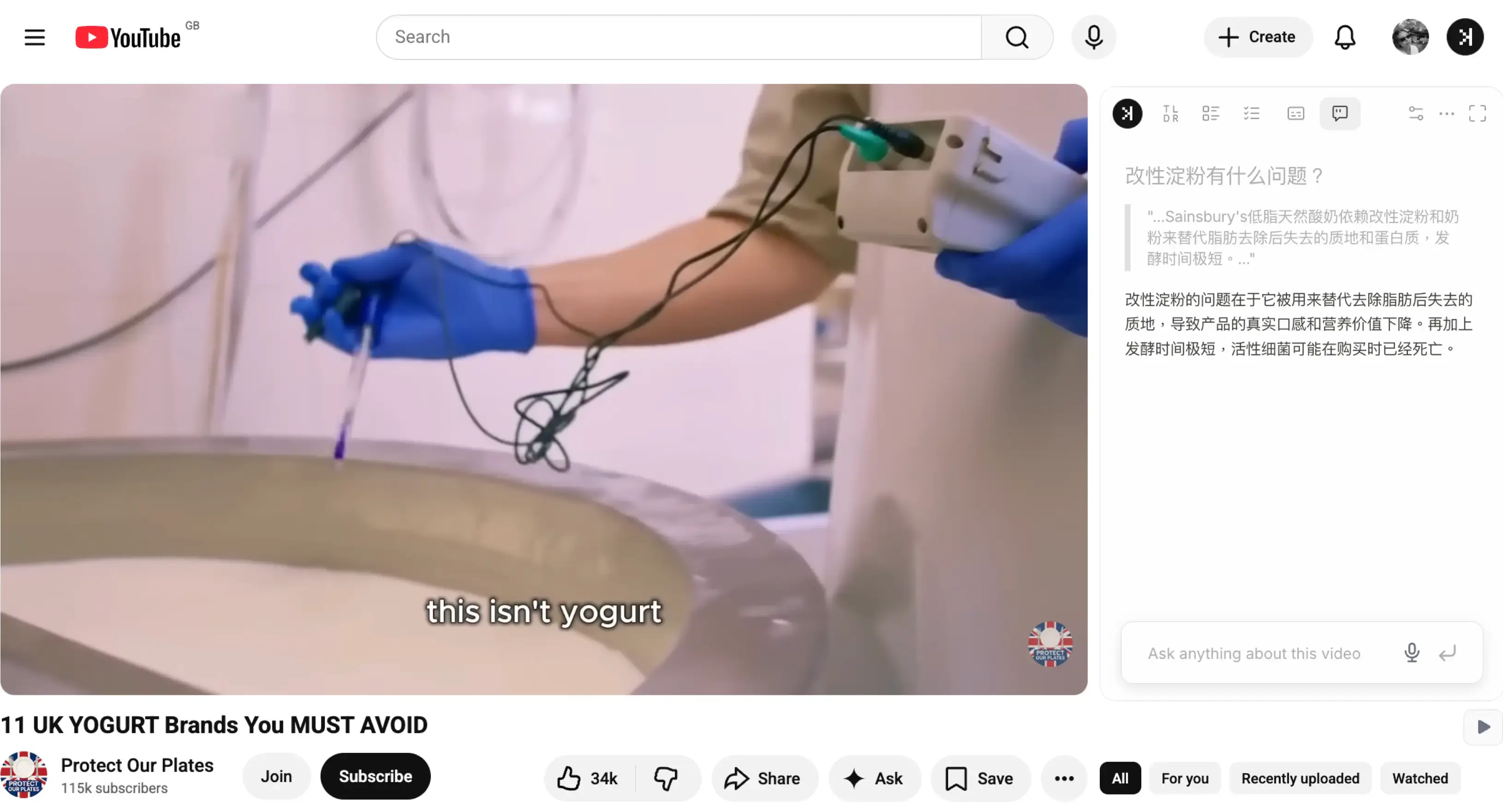
Not only is transcript translation supported in 21 languages, but you can also ask questions in your preferred language in the Chat tab with a support of up to 50+ languages.

  • Chrome extension translates YouTube captions from the side panel
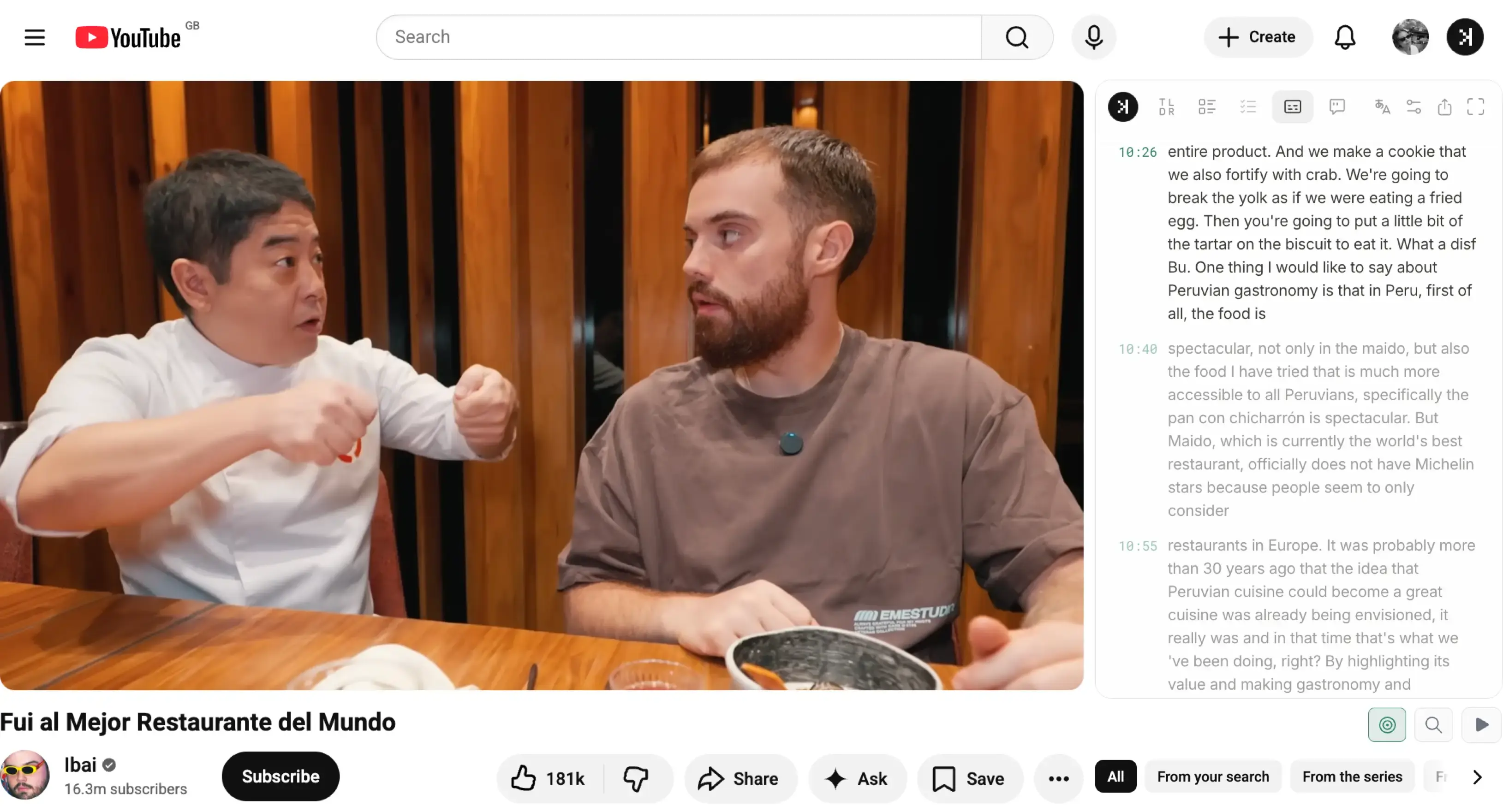
  • Use auto scroll function to follow along with the video
  • No paste-URL or paste-transcript workflow required for translation
  • Chat in 50+ languages
SkipBait Chrome extension to translate YouTube captions and chat in 50+ languages

Translate transcript in secondsTranslate transcript to Spanish and 20 desired languages

Translate YouTube transcript to Spanish with SkipBait

Translate YouTube transcript to desired languages from the panel dropdown. SkipBait handles YouTube transcript translation on the watch page, so you can translate YouTube captions without copying text into a separate translate YouTube transcript tool.

Translate non-English content to English and follow alongTranslate transcript to English and 20 desired languages

Translate transcript to Spanish with SkipBait on YouTube

When looking at native restaurant recommendations, foreign language lectures, interviews, and tutorials where the original audio isn't English, translating YouTube transcript to English comes in handy.

Chat in your native languageYouTube chat extension that understands 50+ languages

SkipBait YouTube chat extension with multilingual chat

Chat to YouTube in the language you are most comfortable with, not just English. Ask questions about YouTube video content in your preferred language and get replies in 50+ languages.

Install on Chrome

Translate YouTube transcript on the free tier.

How to try SkipBait in 2 steps

  1. Install the extension from Chrome Web Store.
  2. Open a YouTube video and select a language from the side panel dropdown to translate YouTube transcript.

Also built into SkipBait: timestamped AI summaries, honest actionable to-dos, and web-powered chat