Search YouTube Transcript

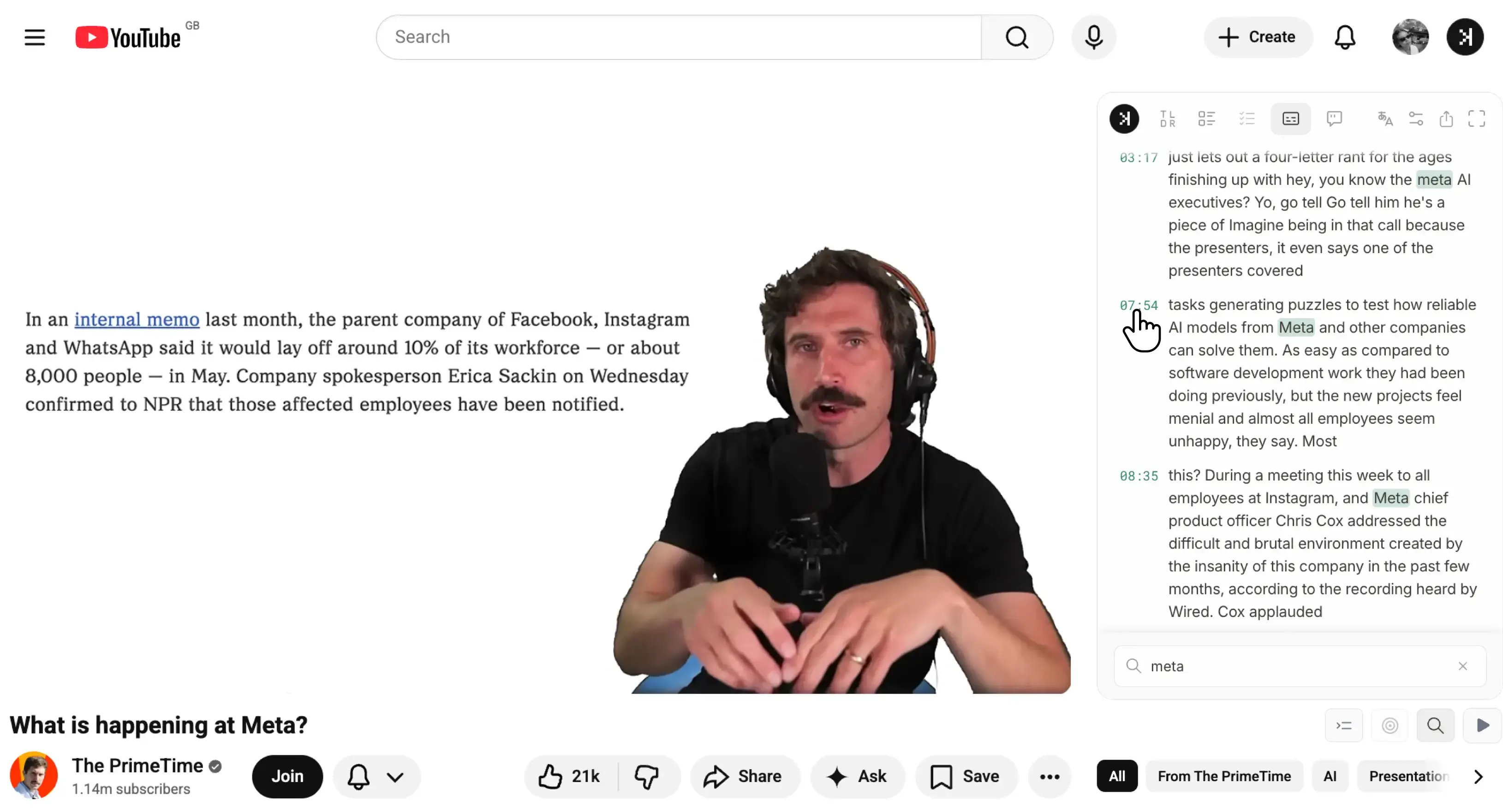
Search YouTube transcript without scrubbing the timeline - SkipBait lets you do just that right next to the YouTube video so you can find what you need in seconds.

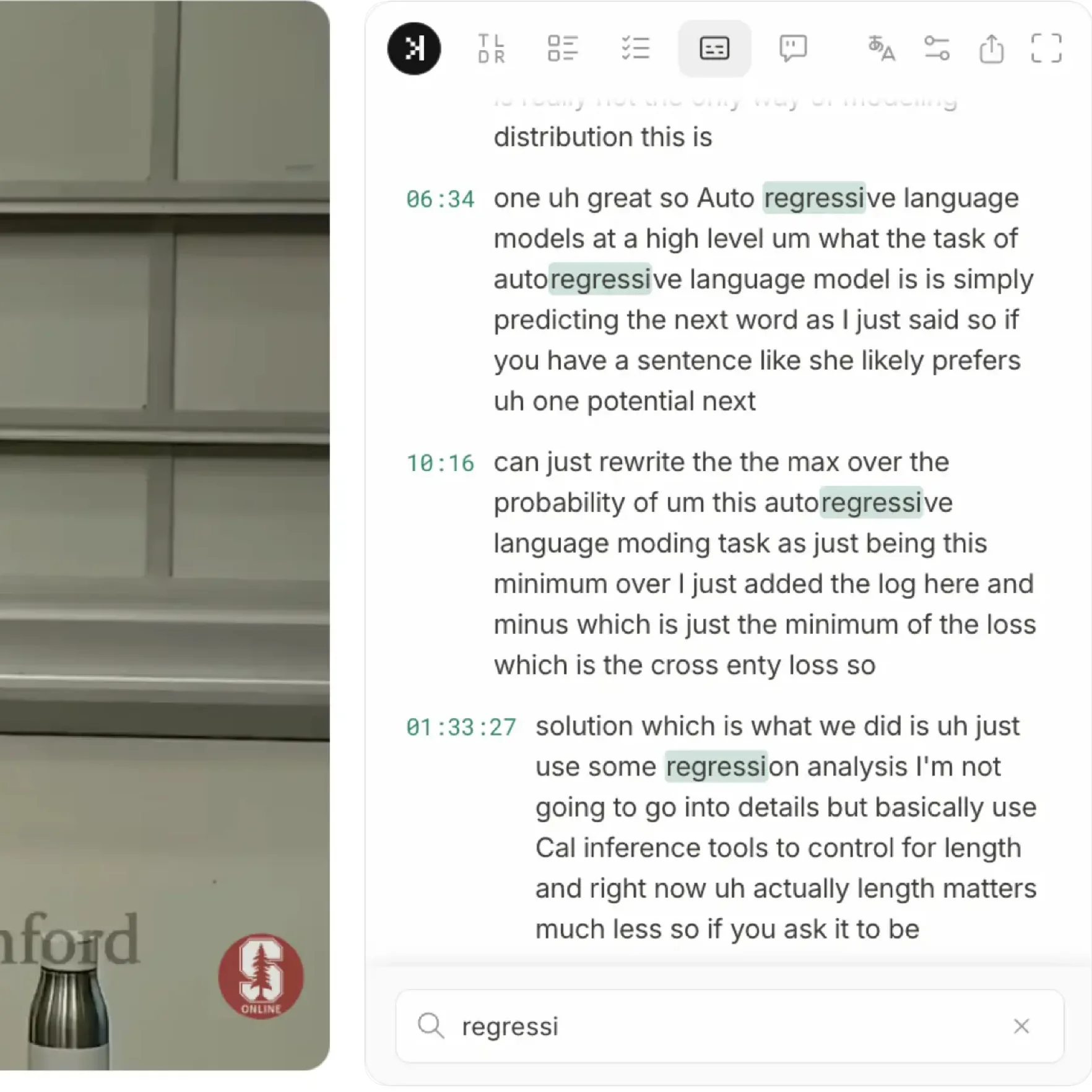
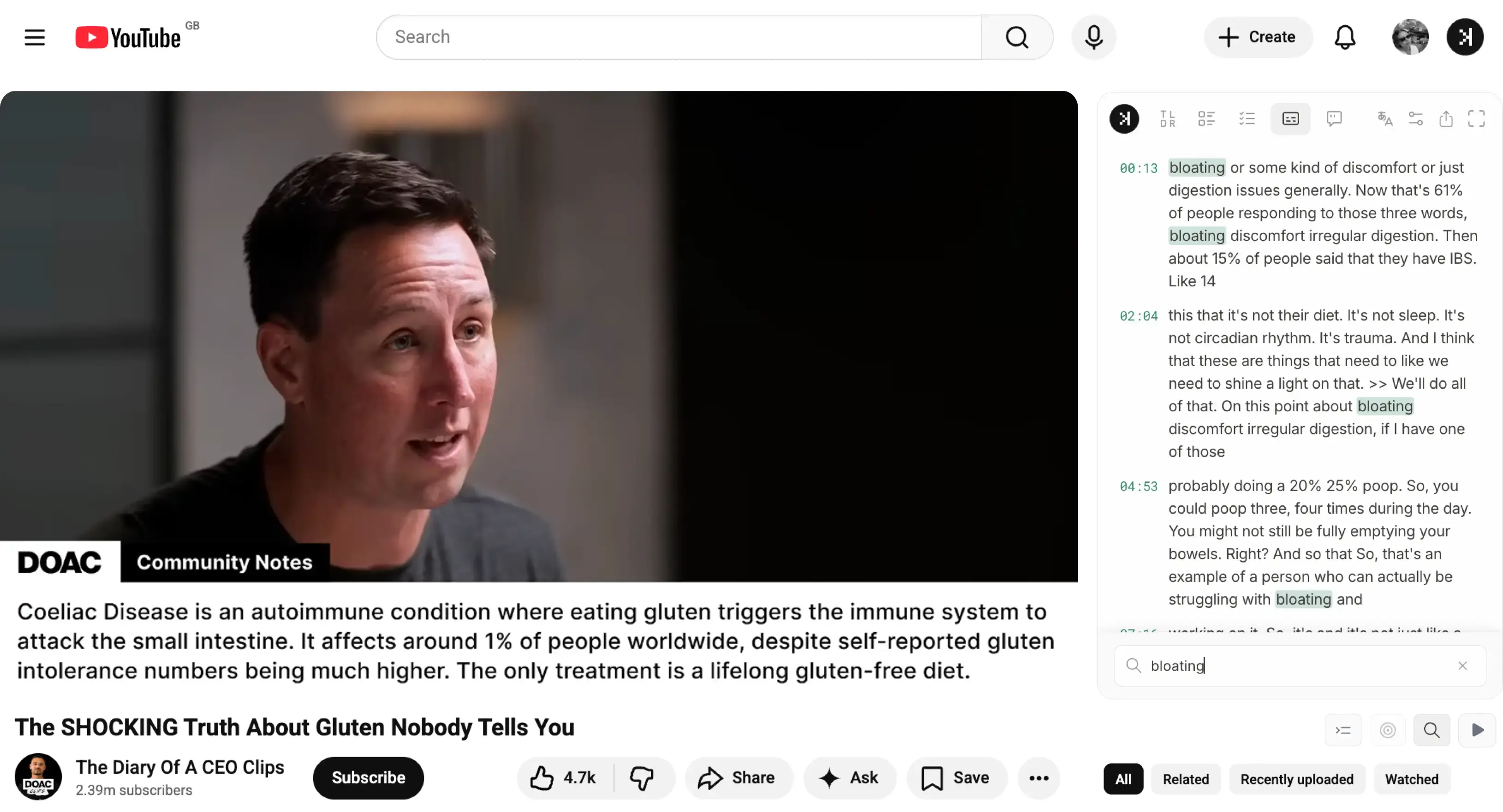
Simply visit the YouTube video and type in any keywords on the side panel to start searching YouTube transcript. Use timestamps to navigate to specific moments in the video that interests you most.

Search YouTube transcript in SkipBait on the YouTube watch page
Install on Chrome

Get and search YouTube transcript for free.

Who search YouTube transcript?

  • Researchers - Search YouTube transcript for exact quotes — find YouTube transcript lines and jump to timestamps without rewatching full videos.
  • Students - Use YouTube video transcript search on lectures — search transcript YouTube for every moment professor discuss a particular topic and land on the segment you need for notes.
  • Professionals - Search YouTube transcript across long talks — one query, every match, no manual timeline scrubbing.
  • Language learners - Search YouTube transcript for new words and phrases — use YouTube transcript search to replay the exact moment a term was spoken.

Search YouTube transcript of lectures, news, and more

You can search YouTube transcript on any types of videos like lectures, news, podcasts, and more. Only a fraction of the YouTube videos does not have transcript.

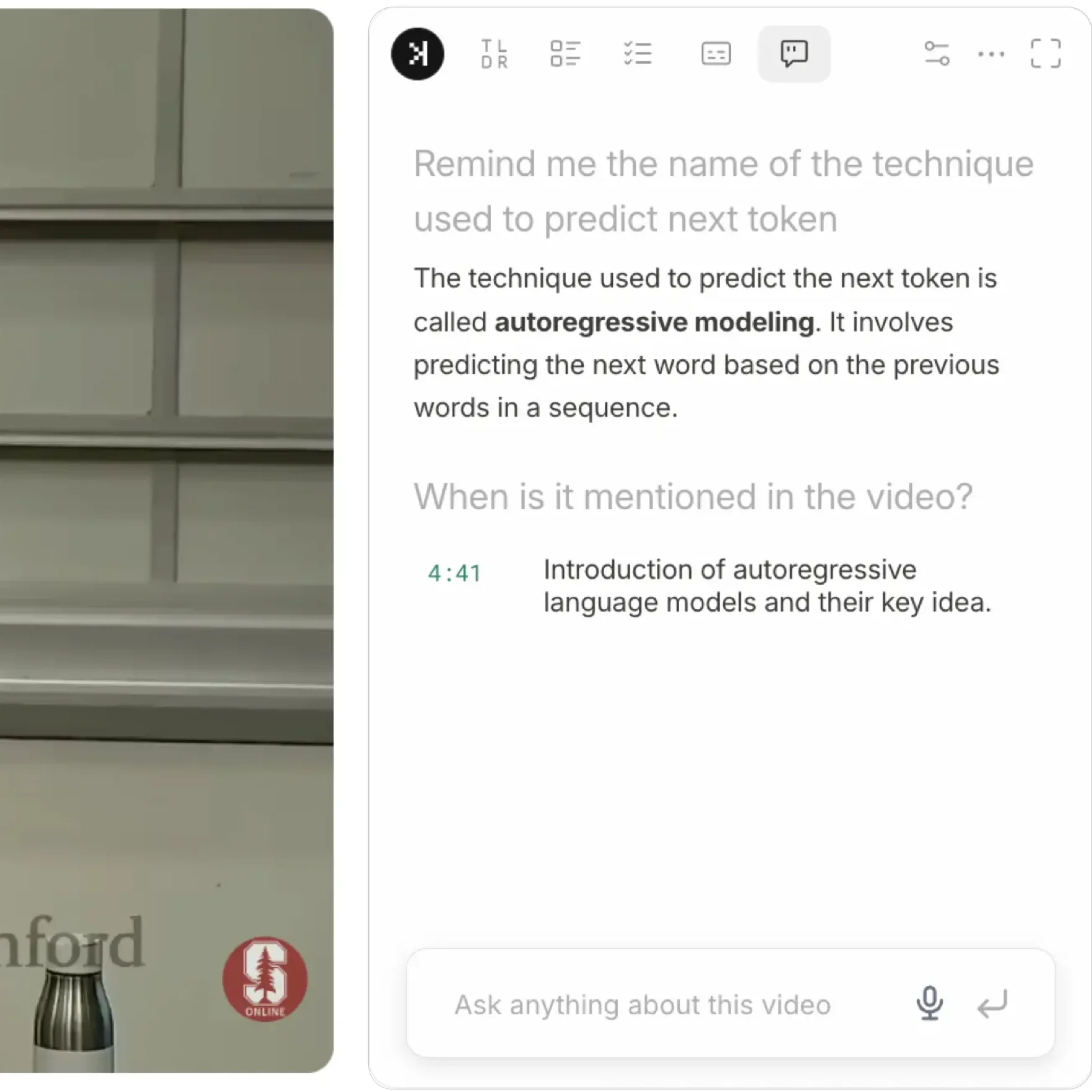
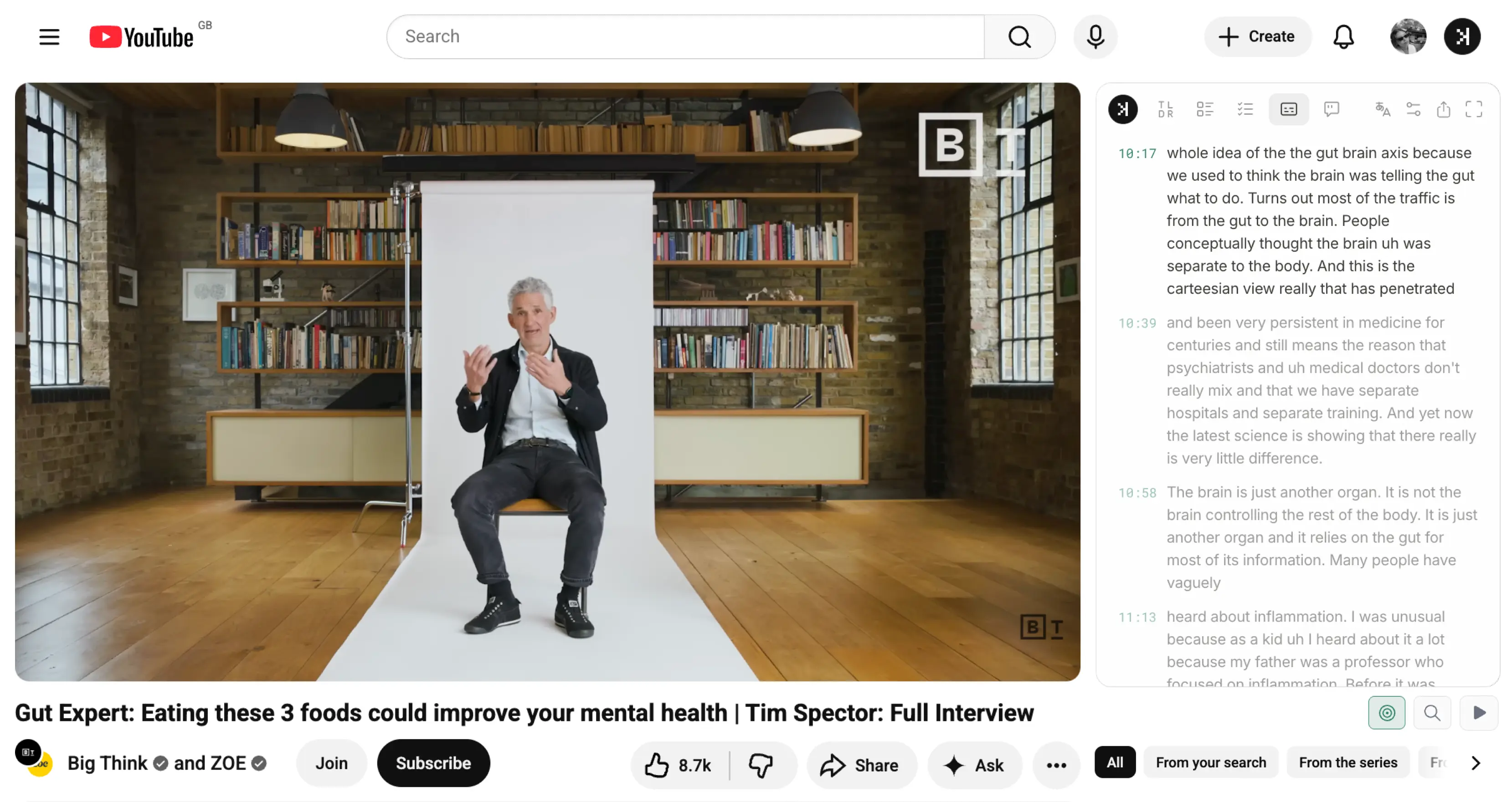
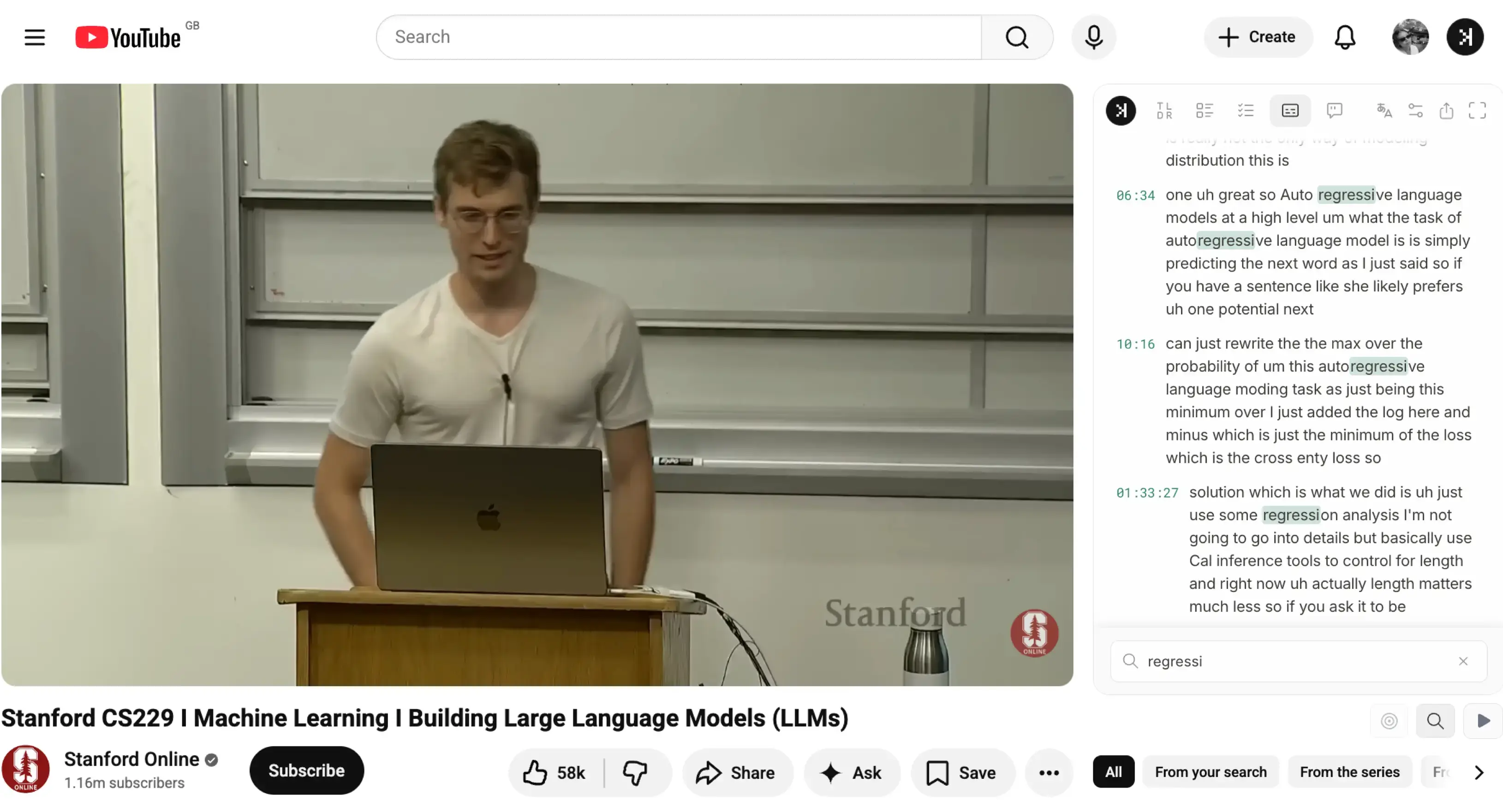
SkipBait transcript panel on YouTube

SkipBait let's you get and search YouTube video transcript as often as you like without daily limits.

Search YouTube video transcript and jump to timestamps with SkipBait

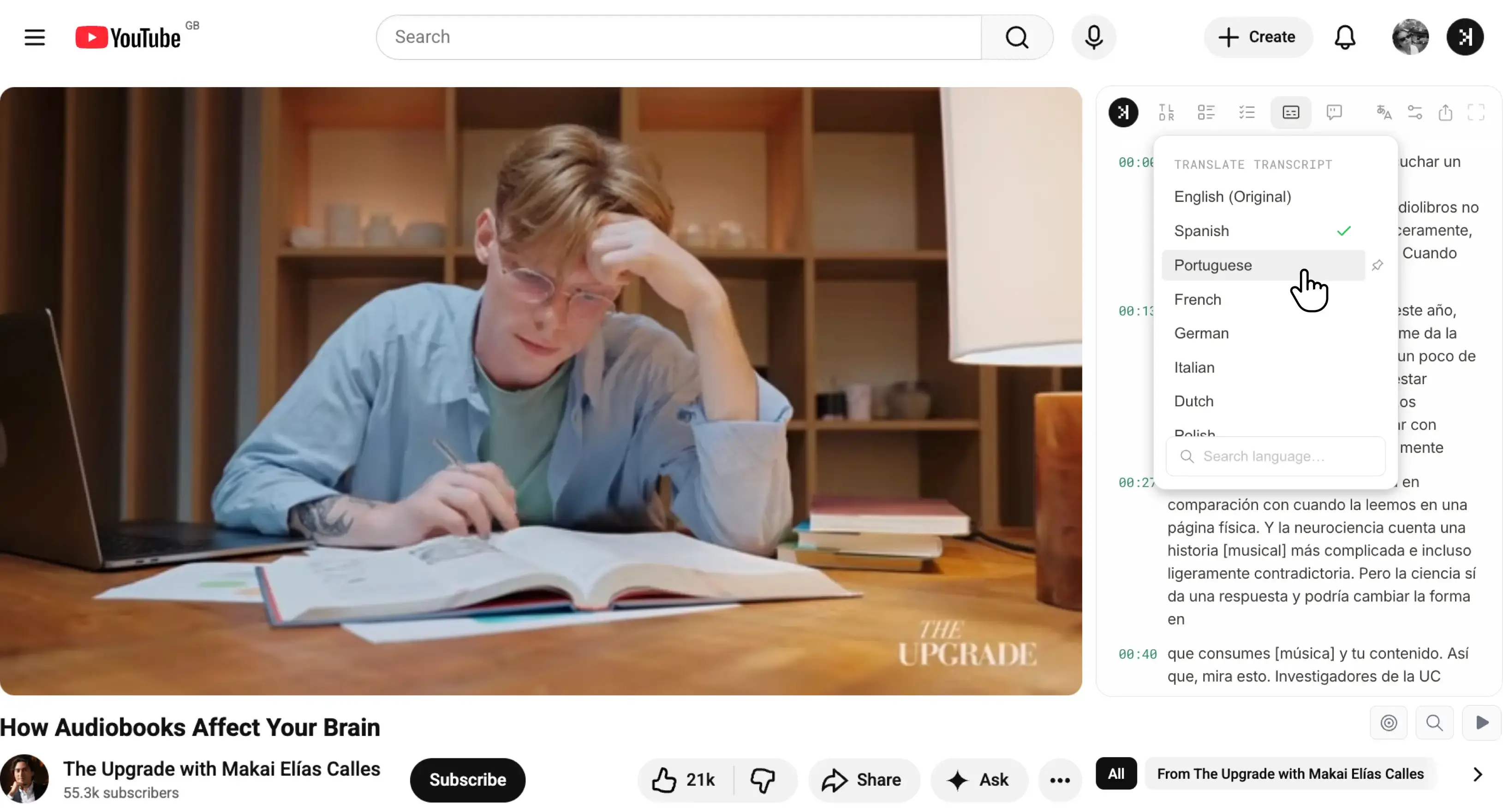
Translate a YouTube transcript to 20+ languages with SkipBait. Simply visit a YouTube video and select a language from the dropdown menu on the right panel.

Translate YouTube transcript to 20+ languages with SkipBait

How to try SkipBait in 2 steps

  1. Install the extension from Chrome Web Store.
  2. Open a YouTube video and type any keywords into the side panel to start searching YouTube transcript.