
 Chrome extension
Summarize YouTube videos in seconds
Get AI summaries and answers to your questions without leaving YouTube.
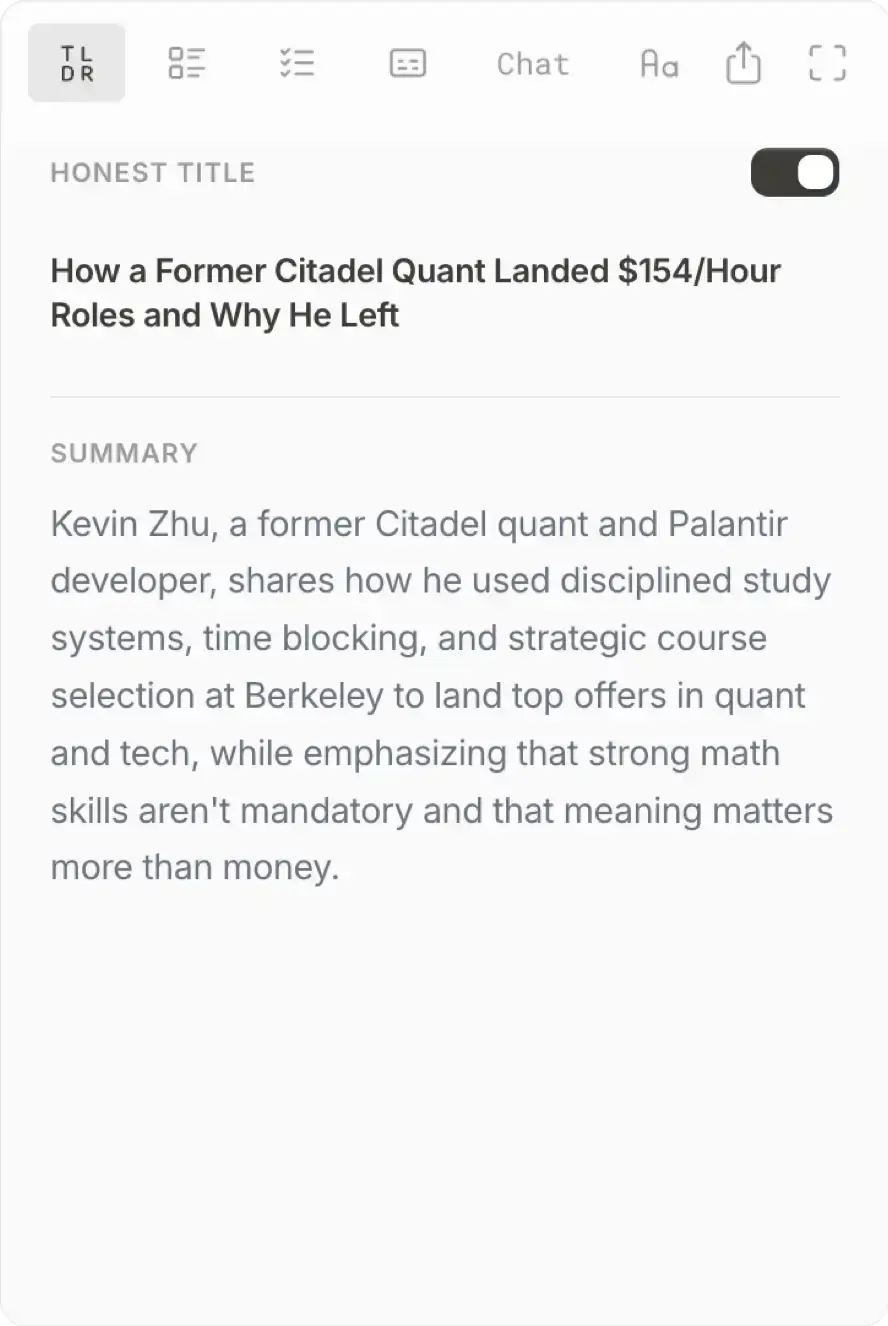
Get 1-Sentence TLDR
Get an honest title & 1-sentence summary that reflects what the video is really about.
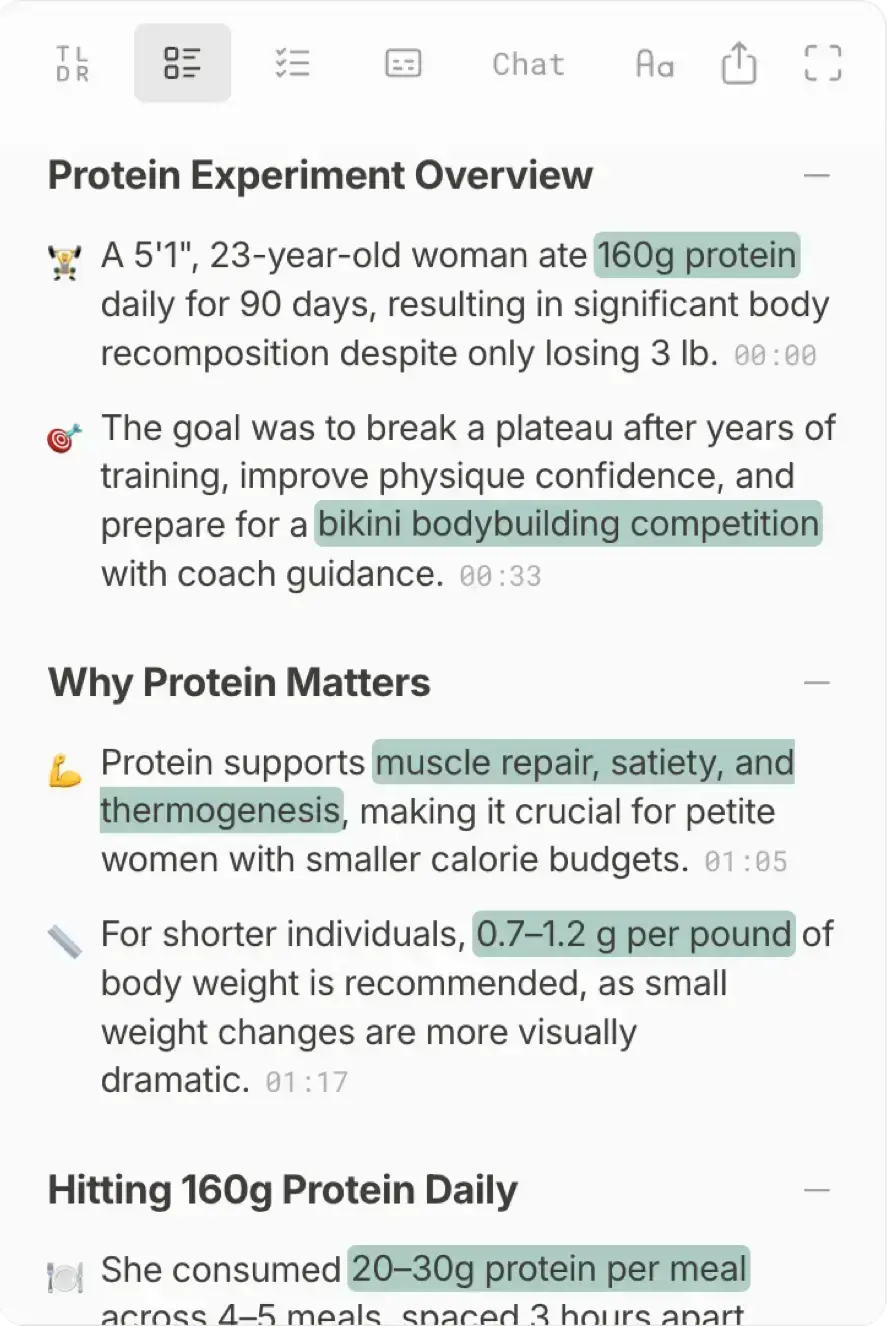
Get AI Breakdown
Get accurate timestamped breakdowns of long-form content in seconds.
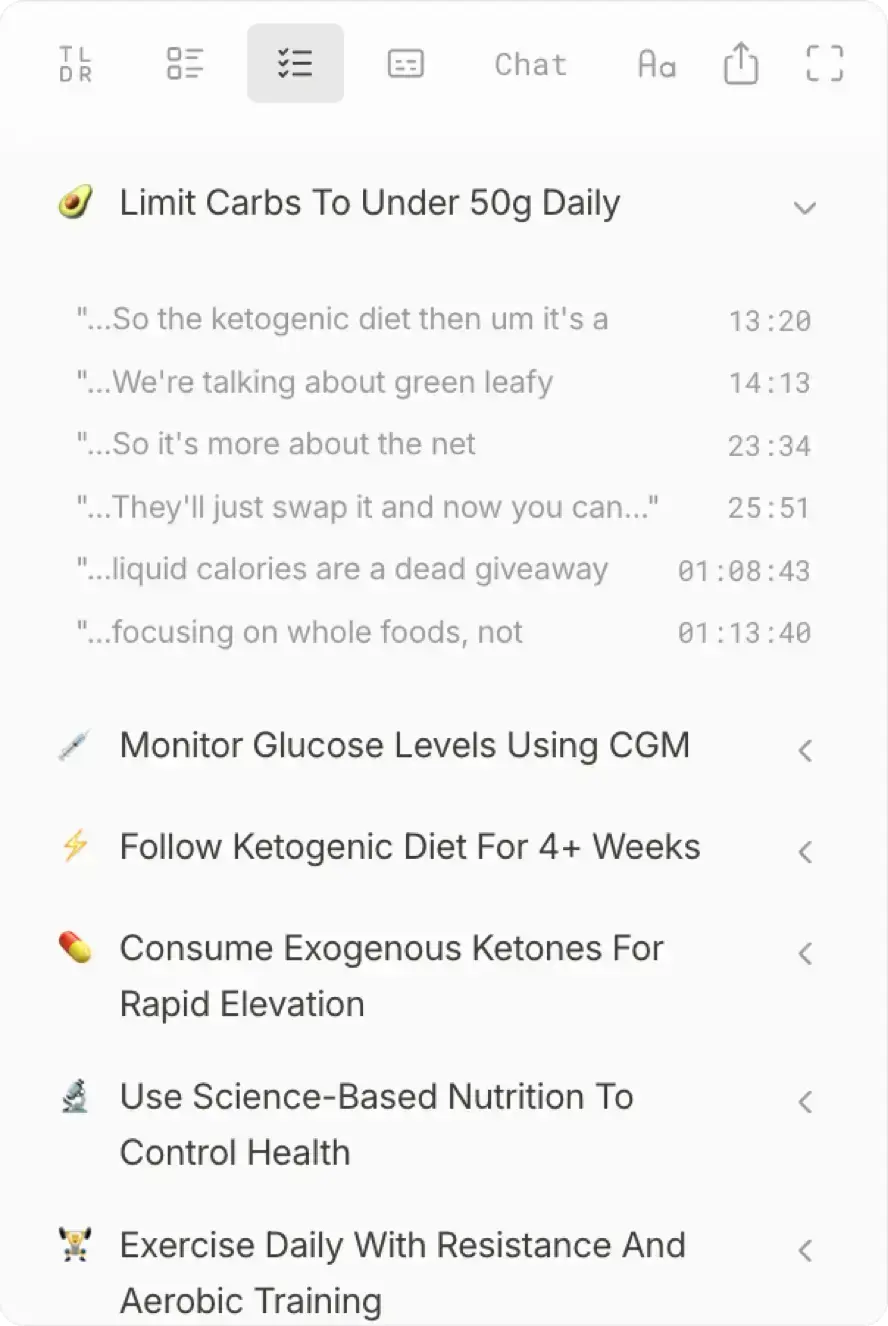

Get Actionable To-Dos
Turn what the speaker said into grounded recommendations and to-dos.
Get Web-searched Answers
No more long-winded AI responses you don't end up reading. Ask anything and get web-sourced answers.
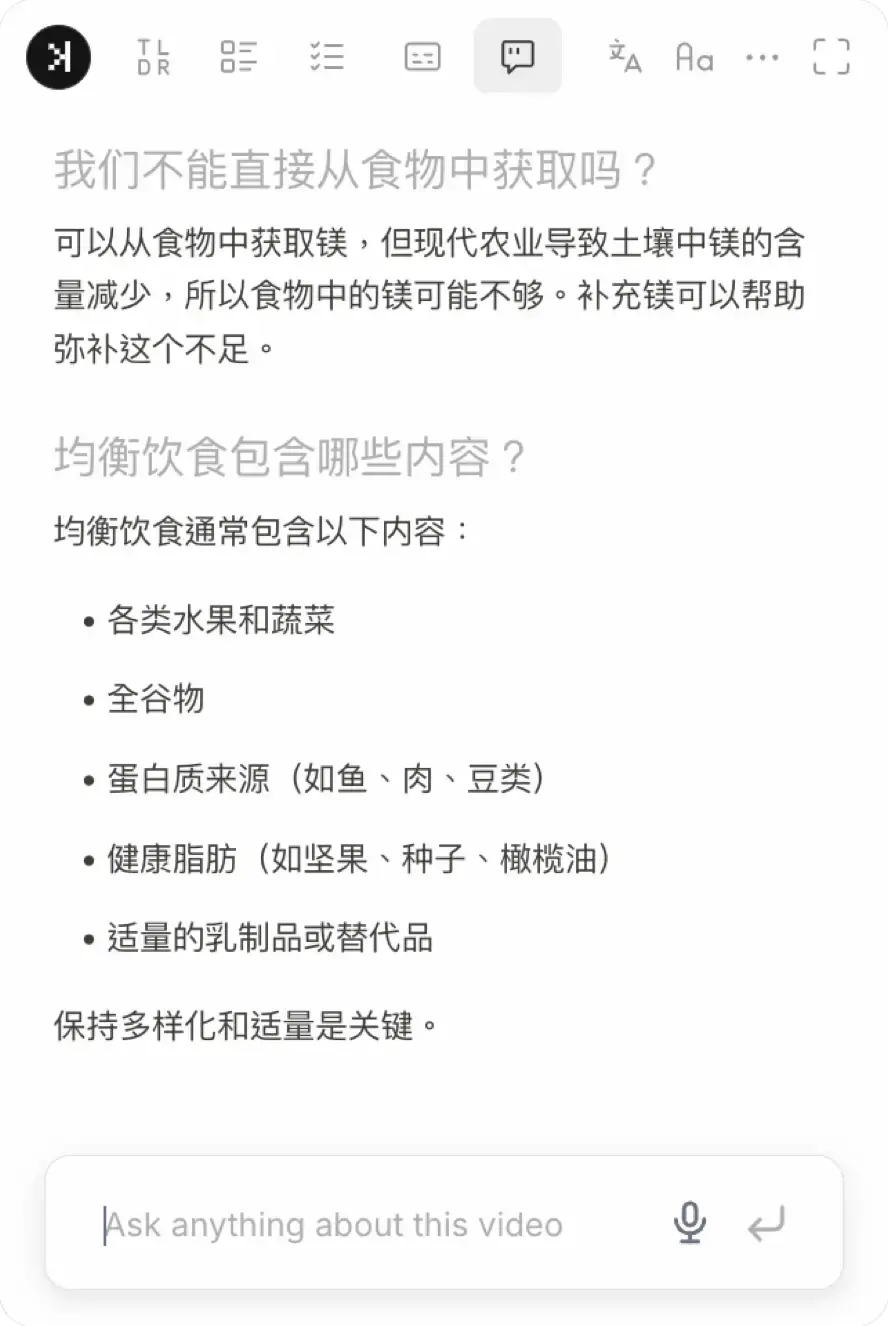

Chat in Your Language
Chat supports 50+ languages, simply ask questions in your preferred language.
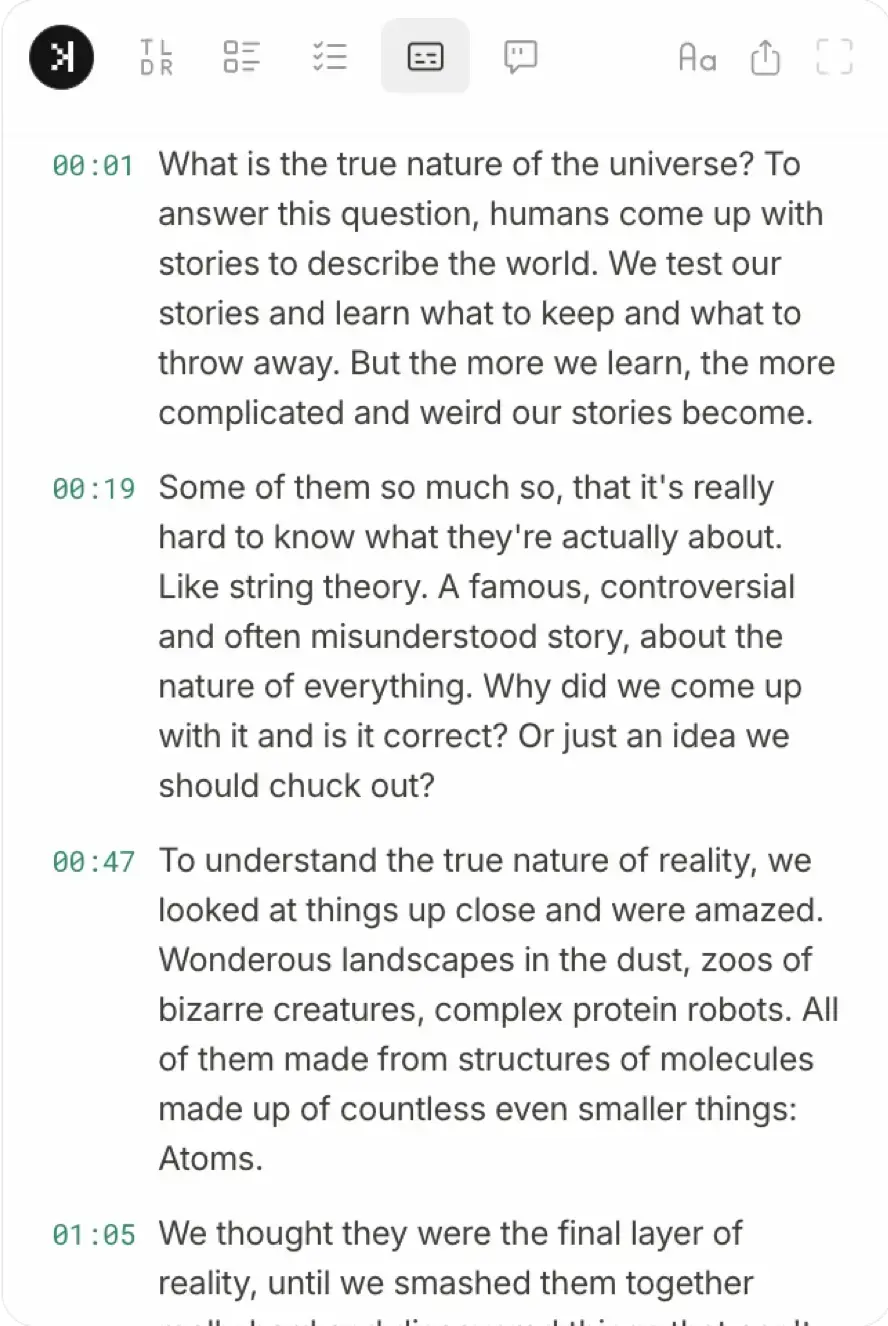
Get Instant Transcripts
Get the full transcript and translate to 20+ languages.
View Expanded Mode
Open the extension in expanded view for a focused reading experience.
View History
Quickly return to videos you've already summarized.
Frequently asked questions
SkipBait is a chrome extension that generates AI summaries, get transcripts, and allows you to chat with the YouTube videos with AI. Chat includes web search so answers is based on both the video's content and online sources, not just the transcript alone.
Yes, the free tier includes 2 AI summary bundles daily, unlimited transcripts and a monthly quota of chat messages and translations.
Each summary includes an honest title, a TLDR, a timestamped outline and actionable takeaways. See the demo.
Install SkipBait then visit a YouTube video page to start summarising and getting transcripts of the video.
Install SkipBait then visit any YouTube video and ask a question in the chat panel next to the video. AI answers using both the video's content and live web searches so you get grounded answers, not hallucinations.
Yes. SkipBait works on any Chromium-based browser — Chrome, Brave, Edge, Arc, Opera, and Vivaldi all support Chrome Web Store extensions. Install from the Chrome Web Store. Firefox and Safari are not supported.
Yes, as long as the video has usable transcript data. Live or videos without transcripts may not be supported.
Yes, any type of YouTube videos such as podcasts, news, lectures, tutorials, and more.
You start getting summary and transcript for most videos in seconds.
Install SkipBait then visit any YouTube video and download transcripts from the side panel next to the video.
Install SkipBait for one-click summaries on the watch page, or paste a transcript and prompt into ChatGPT or Claude. See our copy-paste prompts for the manual route.